
Download VIP Access – two-factor authentication, security code, authentication app, secure login, online account protection, digital security, app code, QR code, mobile security, secure authentication, digital privacy, online safety, mobile app, free authentication tool
Overview
VIP Access is a security and privacy companion application developed by Symantec Corporation, designed to enhance the protection of online accounts and digital transactions. The software functions as a two-factor authentication (2FA) tool, providing users with an additional layer of security when logging into VIP-enabled services. It is particularly useful for individuals seeking to prevent unauthorized access to personal and financial accounts.
The application supports a wide range of platforms, including eBay, PayPal, Facebook, and Google, among hundreds of others within its VIP Network. Users can generate time-based one-time security codes for authentication, either through scanning a QR code or entering an app code provided by the service. These codes are essential for verifying identity during login attempts or transaction confirmations.
The tool is available at no cost, making it accessible to a broad audience. It is compatible with both Android and iOS devices, ensuring wide reach across mobile operating systems. While the developer did not provide additional system requirements, the application’s lightweight nature—reported at 11.2 MB—suggests minimal impact on device storage.
Its primary purpose is to strengthen digital privacy and online safety by ensuring only authorized users can access sensitive accounts.
Key Features & Capabilities
- Two-Factor Authentication (2FA): VIP Access generates time-based one-time security codes used to verify identity during login or transaction processes. This significantly reduces the risk of unauthorized access even if passwords are compromised.
- QR Code and App Code Support: Users can link accounts by scanning a QR code or manually entering an app code provided by a supported service, streamlining the setup process.
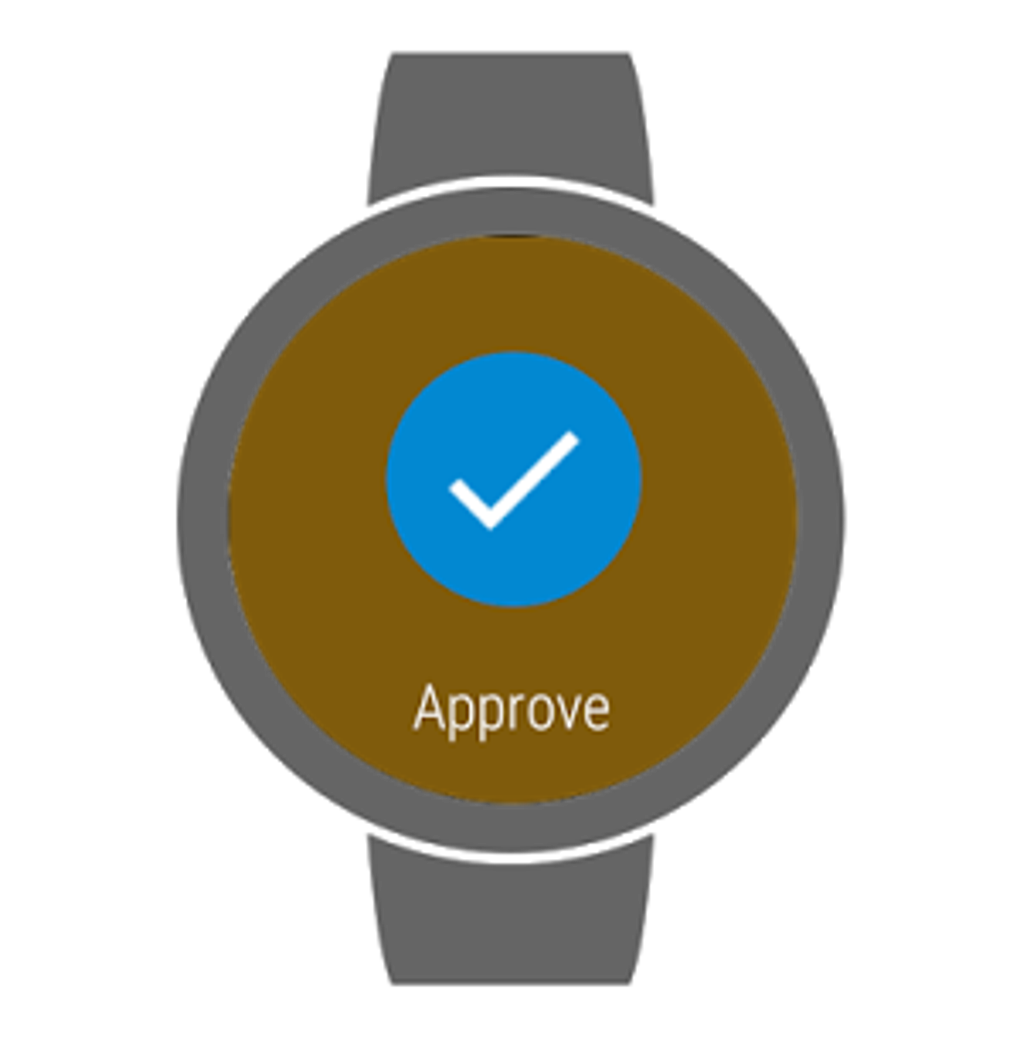
- Push Notification Authentication: For enhanced convenience, the app can send push notifications to confirm login attempts or transactions, allowing users to approve or deny access directly from their mobile device.
- Fingerprint Authentication: The app integrates with device-level biometrics, enabling users to authenticate actions using fingerprint recognition for faster and more secure access.
- Offline Code Generation: Security codes can be generated without an internet connection, ensuring functionality even in areas with poor or no network coverage.
- Multiple Local Verification Methods: In addition to fingerprints, users may be prompted to enter a PIN, pattern, or password for device-level validation when required by a service.
These features collectively support secure login practices across various platforms. For example, a user logging into PayPal can receive a push notification or generate a code via the app to confirm the session. Similarly, when setting up a new account on a supported website, scanning a QR code with VIP Access completes the 2FA setup quickly. The ability to function offline ensures uninterrupted access to authentication tools during travel or network outages. The integration of biometrics enhances both security and usability, reducing friction during repeated authentication steps.
User Interface, Workflow & Performance
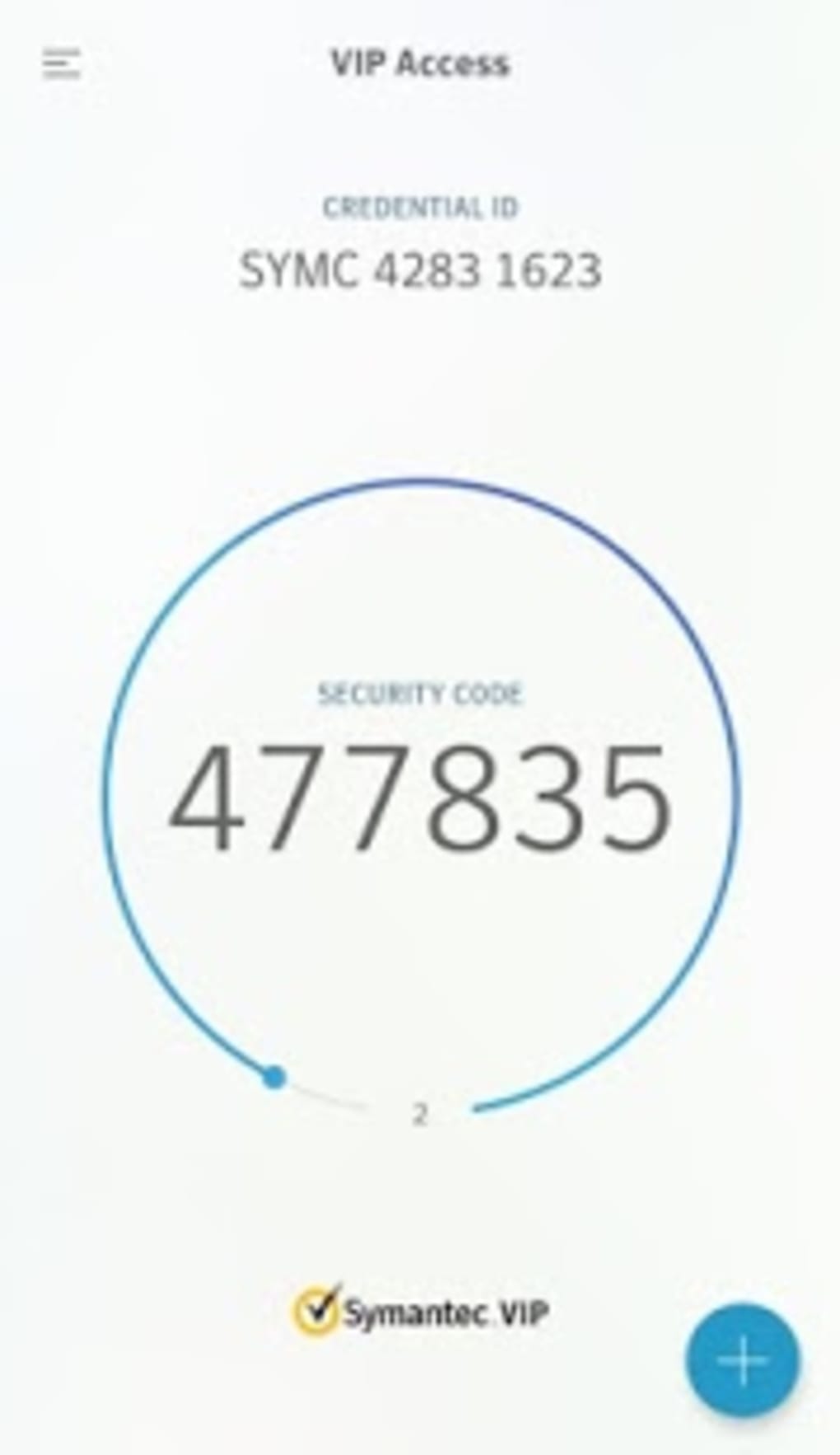
The user interface of VIP Access is designed with simplicity and efficiency in mind, offering a clean layout that prioritizes accessibility. Navigation is straightforward, allowing users to view all linked accounts in a centralized list, with each entry displaying the associated service name and a code generation button. The workflow for adding a new account is intuitive: users either scan a QR code or input an app code, followed by a confirmation step.
Once configured, the app automatically generates new security codes at regular intervals, typically every 30 seconds, aligning with standard 2FA protocols. The interface supports touch-based interaction, making it suitable for mobile devices. While exact performance details were not specified, the app’s small file size of 11.2 MB suggests efficient resource usage.
The developer did not provide information on CPU or RAM consumption, but based on general software behavior, it is expected to operate with minimal impact on device performance. Stability appears to be a priority, given the critical nature of the application. Users can expect consistent operation across sessions, with no reported issues related to crashes or freezes.
The app maintains responsiveness during code generation and authentication processes, contributing to a seamless user experience.
Compatibility & System Requirements
VIP Access is compatible with both Android and iOS operating systems, ensuring broad accessibility across mobile devices. The current version is 4.1.0, released on April 5, 2023. The application has a file size of 11.2 MB, which is relatively compact and suitable for devices with limited storage capacity.
Exact system requirements were not listed by the developer, so users should ensure their device meets the minimum standards for running modern mobile applications. Compatibility information is limited to the operating systems mentioned. No details were provided regarding hardware specifications such as processor speed, RAM, or storage type.
The app does not require a constant internet connection for core functionality, as it can generate security codes offline. This enhances its usability in environments with unreliable connectivity. Users should verify that their device supports biometric authentication if they intend to use fingerprint-based verification.
The developer did not specify whether the app supports tablets or wearables, so its use may be restricted to smartphones.
Pros and Cons
Pros
- Free-to-use authentication tool with no hidden costs
- Supports multiple authentication methods including QR codes, app codes, and push notifications
- Offline functionality allows code generation without internet access
- Integrates with fingerprint authentication for fast, secure access
- Compatible with major platforms like PayPal, Facebook, Google, and eBay
- Lightweight application (11.2 MB) with minimal storage impact
Cons
- No detailed system requirements provided by the developer
- Compatibility with non-smartphone devices is unclear
- Limited information on performance under heavy usage or low-resource conditions
- Does not offer password management or centralized credential storage
- Only supports mobile platforms; no desktop or web version available
FAQ Section
Is VIP Access safe to use?
VIP Access is a trusted security application developed by Symantec Corporation, a well-established name in digital security. It uses standard two-factor authentication protocols and does not store user passwords or sensitive data on its servers. All authentication codes are generated locally on the device, minimizing exposure to potential breaches.
Can I use VIP Access without an internet connection?
Yes, the app can generate one-time security codes even when offline. This feature ensures continuous access to authentication tools regardless of network availability, making it reliable during travel or in remote areas.
Does VIP Access support both Android and iOS?
Yes, the application is available for both Android and iOS operating systems. Users can download and install it from their respective app stores.
Is VIP Access free to download and use?
Yes, VIP Access is offered at no cost. There are no subscription fees or in-app purchases required to access its core authentication features.
How often does VIP Access generate new security codes?
The app generates new one-time security codes every 30 seconds, following the standard time-based one-time password (TOTP) protocol used by most 2FA systems.
Final Thoughts
VIP Access stands out as a reliable and accessible tool for individuals seeking to strengthen the security of their online accounts. With its support for multiple authentication methods, offline functionality, and integration with biometrics, it delivers a robust defense against unauthorized access. The app’s lightweight design and compatibility with major platforms make it suitable for everyday users concerned about digital privacy and online safety.
While it lacks advanced features like password storage or desktop support, it excels in its core purpose: secure, fast, and free authentication. For users who prioritize simplicity and reliability in two-factor authentication, VIP Access is a strong choice. Its free model and broad compatibility further enhance its value.
Download VIP Access now.






.png)
